How to Play Hamburger Clicker: A Beginner's Guide
GuidesHamburger Clicker Team
New to Hamburger Clicker? Learn how to click, buy your first Hands, unlock new menus and keep your burger count growing in this simple beginner's guide.
Hamburger Clicker is a free idle clicker game you play right in your browser. You start with one big burger and nothing else. Every click makes a burger, every burger can be spent on helpers, and before long your burger business keeps cooking on its own. This guide covers your first few minutes and the basics you need to keep growing.
The goal of the game
Your aim is simple: make as many burgers as you can. There are two ways to earn them.
- Clicking. Each click on the big burger or the CLICK! button is worth 1 burger. Only click power-ups and the Click Frenzy bonus make clicks stronger.
- Production. Everything you buy, from Hands to Stores, makes burgers every second, even while you are not clicking.
Clicking gets you started, but production builds an empire.
Your first few minutes
A new game begins with just the burger. A short first-time tutorial walks you through three steps: click the burger, buy a Hand, and watch it work. You can skip it if you like.
Click the burger
Tap or click the burger to make your first burgers. On a computer, Space or Enter also clicks it. A tap streak counter shows hearts at 25, 50, 100 and 200 taps. It is just for fun and does not add extra burgers.
Buy your first Hand
The Shop button appears as soon as you can afford your first Hand, which costs 15 burgers. A Hand makes 0.2 burgers per second, and you can watch its glove keep tapping the top bun for you. Prices rise with each one you buy: the first three Hands cost 15, 18 and 20 burgers.
Watch new buttons appear
Hamburger Clicker keeps the screen clean and adds features as you need them:
- Shop appears once you can afford your first Hand.
- Missions appears after your first purchase.
- Rewards, World and the place cards appear when you reach level 2.
Along the way, Buddy, the little burger, pops up now and then with a short tip.
Finding your way around
On a computer
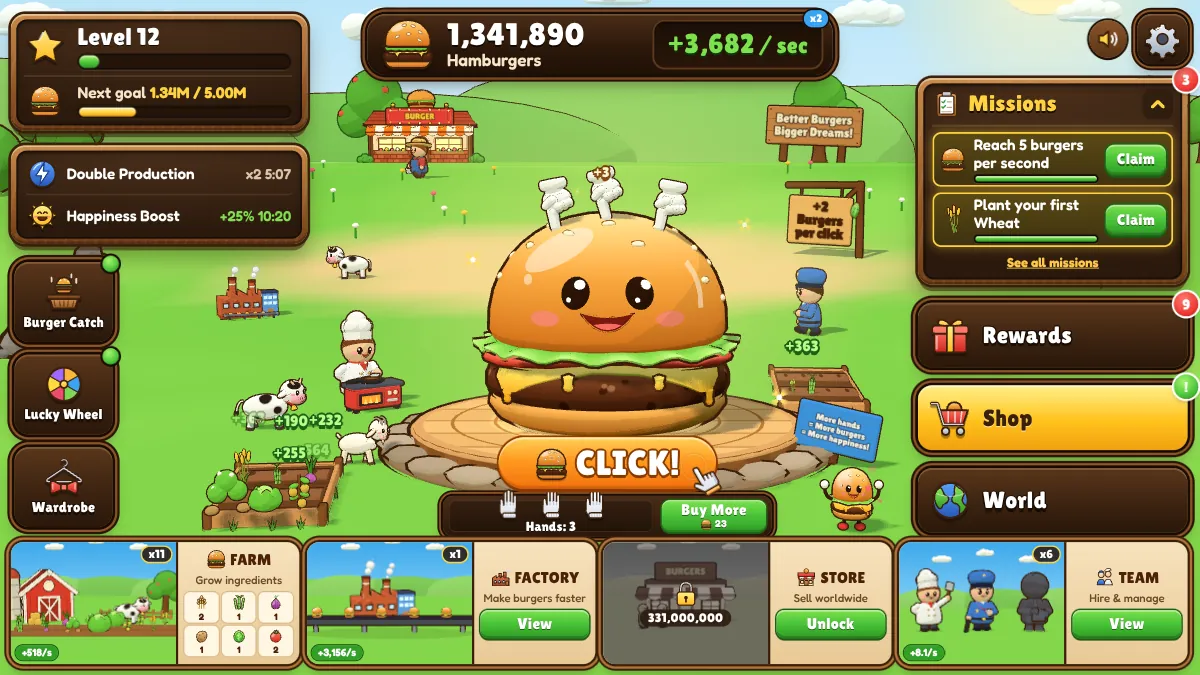
The burger counter sits at the top, your level and next goal are at the top left, and Settings and sound are at the top right. On the right you will find the Missions card with your two nearest missions, followed by Rewards, Shop and World. The Farm, Factory, Store and Team cards run along the bottom, and the Burger Catch, Lucky Wheel and Wardrobe buttons sit down the left. A green dot means a game is ready to play.
The Shop slides in from the right and can stay open while you click.
On a phone or tablet
The game opens on the Game tab with the burger front and center. The tab bar holds Game, Shop, Missions and World, while Rewards and Settings sit at the top. Tap the open tab again to jump back to the burger. On phones, the mini-games live inside Rewards.
Levels and Next Goal
Your level grows from every burger you have ever made, so spending never sets it back. At levels 2, 5, 10, 15 and 20 you get a new burger outfit and a burger gift.
Next Goal is a separate savings challenge. To complete it, you need to hold the target amount in your wallet. Goals start at 100 burgers and go all the way up to a quintillion.
Five early tips
- Buy a few Hands, then save up for a Chef. A Chef costs 150 and makes 1 burger per second.
- Tap golden burgers when they appear. Golden Burgers Explained covers what each one does.
- Claim your missions as you finish them.
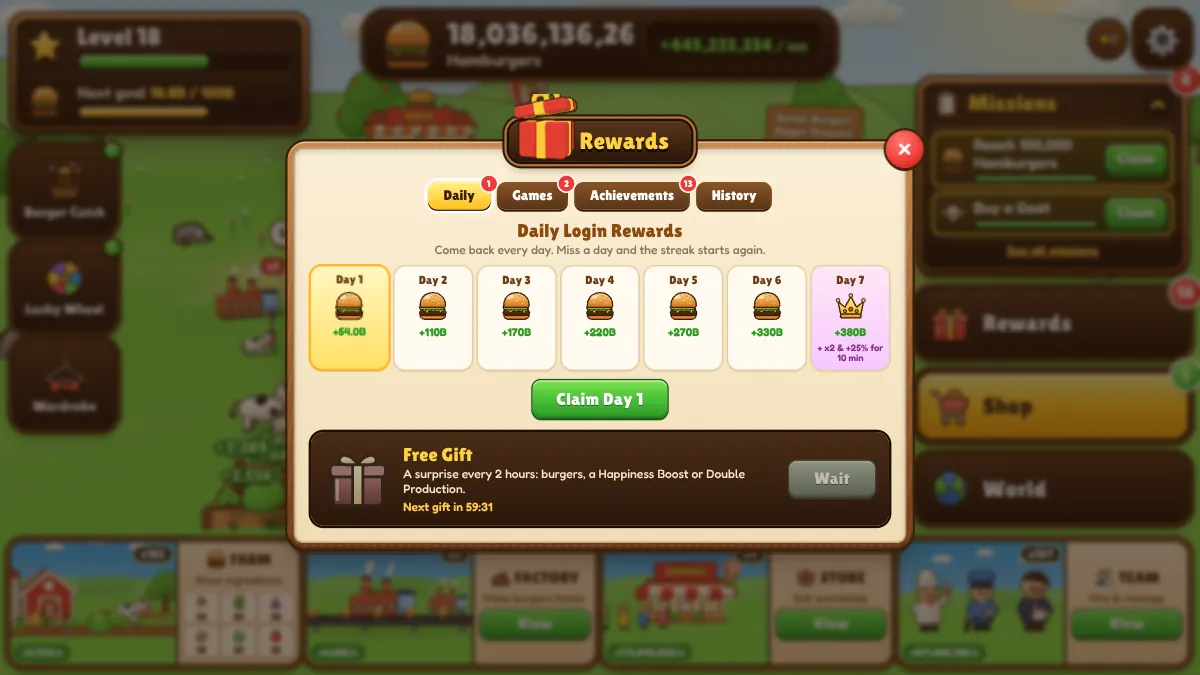
- Check Rewards for a free gift every 2 hours.
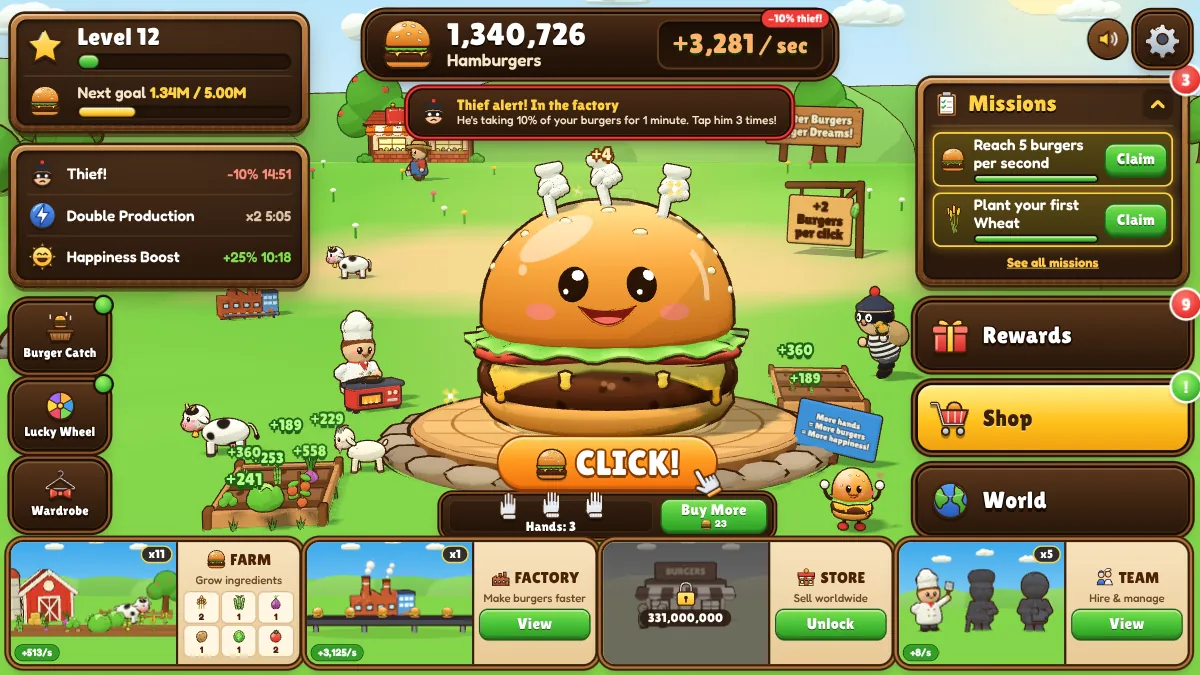
- Once you have made 2,000 burgers, watch out for the thief. Our guide on how to catch the Burger Thief explains what to do.
Ready to plan your spending? The best upgrade order guide shows what to buy next.
Your progress is saved
The game saves in your browser automatically every 10 seconds and again when you close the tab. In Settings you can also save right away, download a save file, load one back in, or use save codes.
When you come back after a break, you collect offline earnings at 50% of your production for up to 8 hours. The Night Shift power-up raises that to 100%.
Handy settings
- Graphics: play in 3D, the default, or switch to the flat 2D version at any time.
- Click sound: choose Crunch or Pop, with a Test button to hear each one.
- Comfort: reduce motion, particles and short numbers.
- Shortcuts: press M to turn sound on or off, and Escape to close a window.
Ready to play?
You now know everything you need for a strong start. Click the burger, buy your first Hand and watch your burger business grow. Play Hamburger Clicker now and see how big your empire can get.